Choose your layout
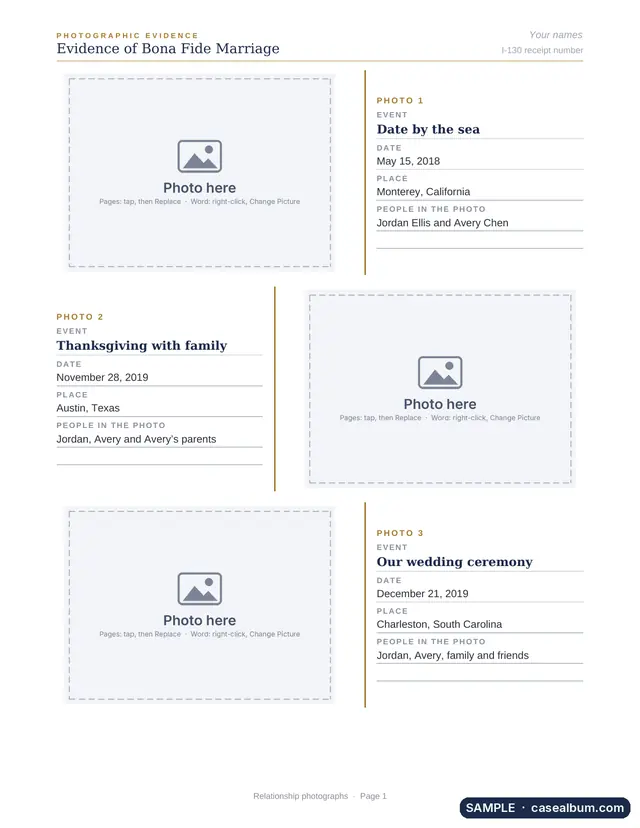
Each template is 39 pages on US Letter paper, with a cover for your case.
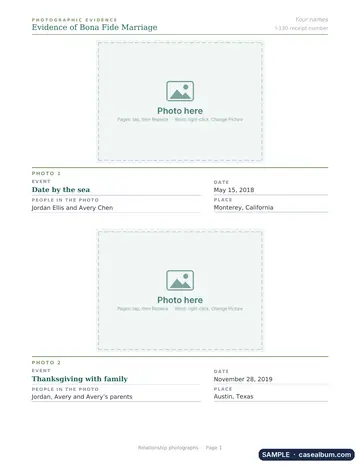
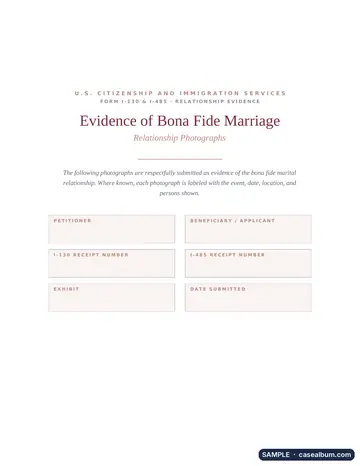
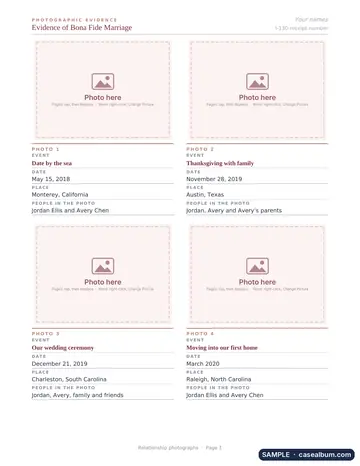
What is inside
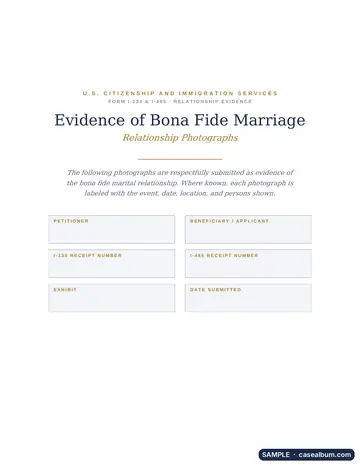
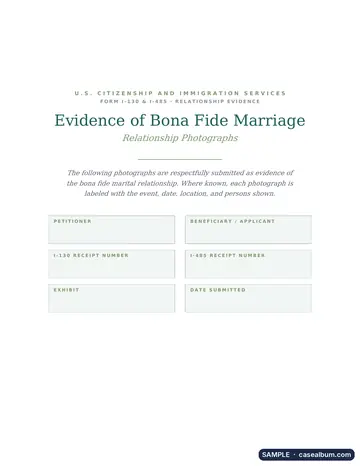
- A cover page for your case: I-130 / I-485, spouse visa, K-1 or I-751, with lines for names and receipt numbers.
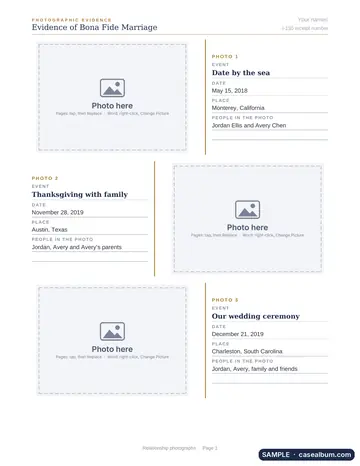
- 33 photo pages in each layout: 66, 99 or 132 photo boxes.
- Lined captions for each photo: event, date, place and people.
- Your names on every page. Type them once at the top and they repeat.
- A relationship timeline page for key dates: when you met, visits, engagement, wedding.
- A bonus interview checklist with 128 documents couples bring, as tick boxes.
- Page numbers that update on their own.
- A how-to page for Word, Google Docs and Pages. Delete it before printing.
How it works
- Pick your case and layout. Pay once and download your template.
- Add your photos. Tap a photo box and tap Replace in Pages, or right-click and Change Picture in Word.
- Type the captions. Write on the lines for each photo. Keep photos in date order.
- Save as PDF. Upload it with your online filing, or print it on plain paper.
Template or online album?
Photo album template · $9.90
You place each photo and type each caption yourself, in Word, Google Docs or Pages. Case Album never receives your photos. For offline editing, use Word, Pages or LibreOffice without cloud syncing. Google Docs stores your document in your Google account.
Case Album online · from $29
Puts photos in date order, fills in dates from your photos, checks for missing details and makes the PDF in your browser. Preview free. Start an album.
Getting ready for an interview? See the full list of what to bring.
Questions
Does Case Album receive my photos?
No. You download the template and add photos in your own document editor. Use Word, Pages, or LibreOffice without cloud sync for offline editing. Google Docs stores your document in your Google account.
Which programs can open the template?
Pages on iPhone, iPad and Mac, Microsoft Word on Windows and Mac, Google Docs and LibreOffice. It only uses fonts that come with Windows, Mac and iPhone, like Georgia, Arial, Verdana, Times New Roman and Trebuchet MS.
How do I add a photo?
On iPhone or iPad, open it in Pages, tap a photo box and tap Replace. In Word, right-click the box and choose Change Picture. In Google Docs, click the box and choose Replace image. Your photo takes the box's size.
Can I use it for an I-130, I-485, I-751 or K-1 case?
Yes. The cover has lines for the petitioner, beneficiary, receipt number, form and exhibit letter. Follow the instructions for your own form. USCIS does not require a set layout or photo count.
What do I get for $9.90?
One photo album template: the case and layout you choose. Classic has 99 photo boxes (3 per page), Large Photo has 66 (2 per page) and Grid has 132 (4 per page). Each template has a cover for your case, a how-to page, a relationship timeline, 33 photo pages and an interview checklist. You download it right after payment, and the receipt email has the link too.
Is this legal advice?
No. Case Album is independent software, not a law firm and not USCIS. The template helps you lay out photos you choose. It does not decide what evidence your case needs.
Case Album is independent software, not affiliated with USCIS. This template is general help, not legal advice.