Organize your RFE response.
Match each USCIS request to your evidence. Save an indexed PDF with your notice first.
- Your files never leave your device
- Free until you save your PDF
- One payment, no subscription
What you can add
Examples, not a checklist. You decide what goes in, and you can rename, reorder or add your own groups.
From your notice
- The full notice as a PDF or photos of each page
- Receipt number, dates and delivery instructions
For each request
- A short title and the wording you copy
- Your own explanation
- The exhibits that answer it
New and earlier evidence
- New documents labeled R-1, R-2
- Records you sent before, clearly dated
Five short steps.
Add your notice
It stays first, with page numbers outside its content. Copy its dates and numbers.
Add each request
One card for each thing the notice asks for.
Add your evidence
Add documents and link them to each request.
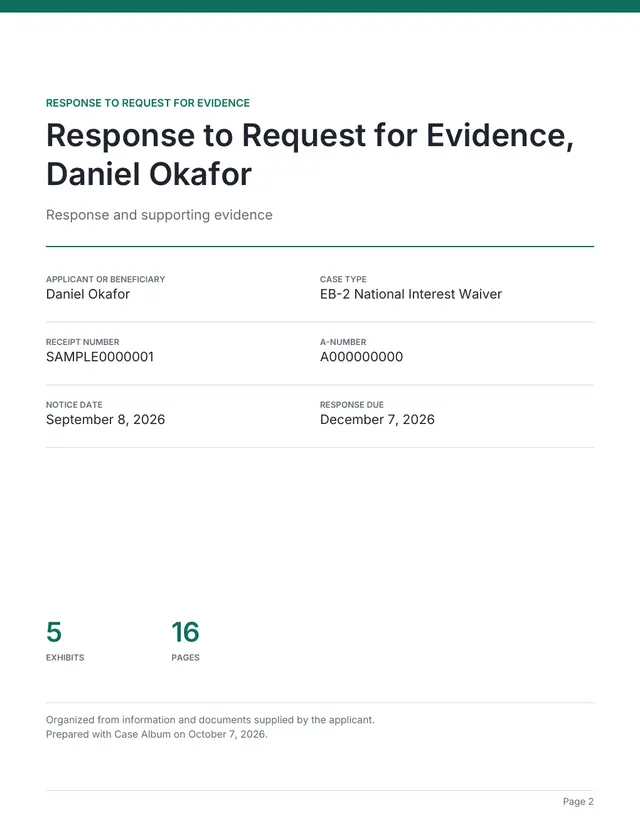
Add a cover and letter
Optional. Your explanations live on each request card.
Preview and save
See every page free. Pay only to save your PDF.
Made so an officer can find every page.
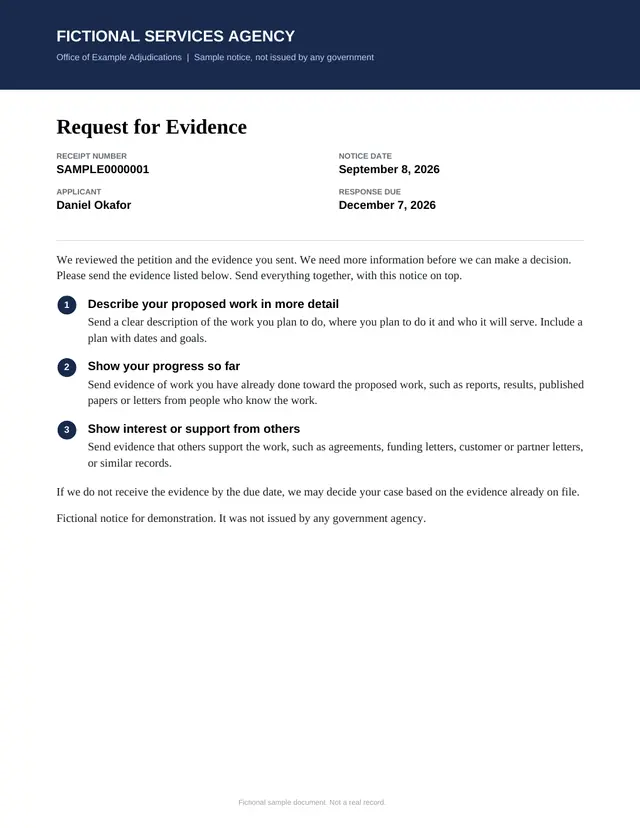
Your notice on top
The notice goes first. Its content is not compressed or shrunk; page numbers sit outside it.
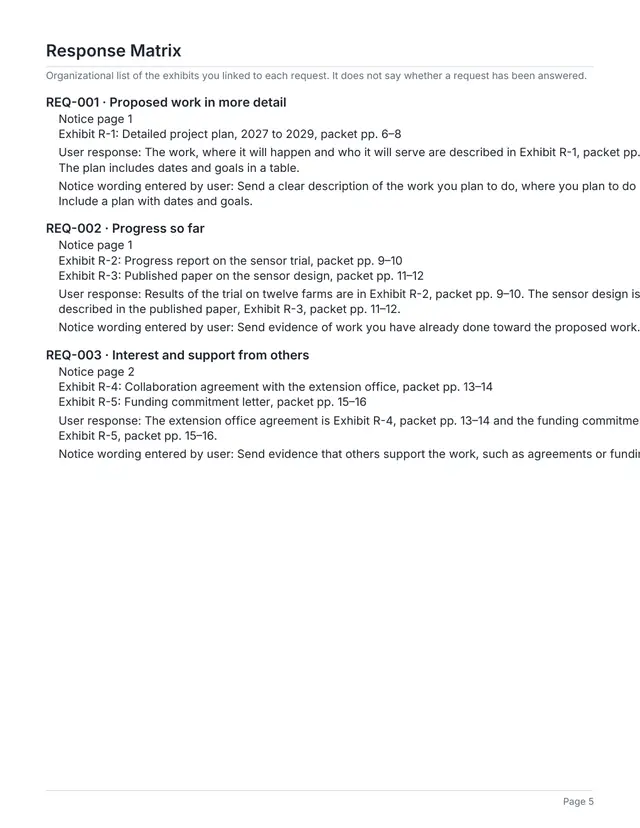
A response table
Each request with its linked exhibits and page numbers.
One exhibit, many requests
Link a document to every request it answers. It prints once.
New labels for new evidence
New exhibits get R-1, R-2 labels. Earlier labels can be kept as history.
Automatic page references
Mention Exhibit R-2 in an answer and it prints the real pages.
Start from your packet
Copy exhibits from your EB-2 NIW or EB-1A project into a new RFE project.
See the finished packet
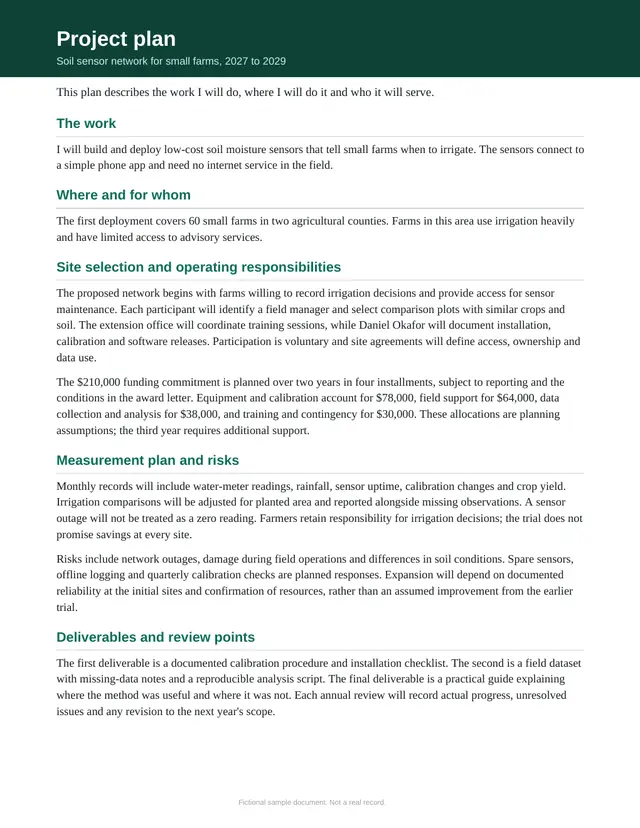
Sample with fictional details. Click any page to see it full size.
Your files stay on your device.
Your documents are read and assembled in your browser. Nothing is uploaded to us.
- No uploads
- No account
- No AI reading your files
Free to build. Pay once to save your PDF.
RFE response
$39one time
- The full packet as one PDF
- Clickable index links and bookmarks
- Printed page numbers on every assembled page
- 30 days of changes and saving again
See every page free before you pay. Tax, if any, is added at checkout. Refund policy · Compare your options
Common questions
Does it calculate my deadline?
No. Copy the due date from your notice. The app counts the days to the date you type and never works out a legal deadline.
Does it decide whether a request is answered?
No. It shows which evidence you linked to each request. Whether that answers USCIS is your call, or your lawyer's.
Can I reuse documents from my original petition?
Yes. Copy exhibits from an EB-2 NIW or EB-1A project into a new RFE project. The original project does not change.
Are my files uploaded?
No. Your notice and documents are read and assembled in your browser on your device. Stripe processes the payment and receives no case details.
How do I send the response?
Follow the instructions on your notice. USCIS asks you to put the notice on top of a paper response, and the packet already starts with it.
Can I share it with my lawyer?
Yes. The finished PDF is an ordinary file you can send to anyone helping you.
Learn before you build
Ready to put your packet together?
It runs in your browser. Nothing to install.
Case Album is independent software and is not affiliated with USCIS. It organizes the files you choose. It does not give legal advice, judge eligibility or predict a result.